
How to Obtain a Corporation Key for a Federal Corporation in Canada
Written by Mansoor Suhail, a practicing accountant and consultant with over 25 years of experience helping entrepreneurs incorporate and manage their businesses efficiently across Canada. Through My Learning Centre, he provides professional training, eBooks, and step-by-step guides on business setup, tax planning, and compliance — while his firm, The Accounting and Tax, delivers full accounting, bookkeeping, and tax advisory services to individuals and businesses.
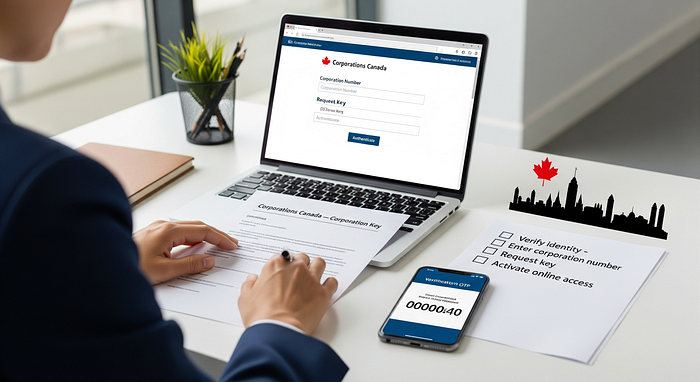
A Corporation Key is a confidential number assigned by Corporations Canada to identify and manage federal corporations. It’s used to file annual returns, make changes, or access the corporation’s records online.
Step-by-Step Guide (Federal)
1. Review your incorporation confirmation email. When your corporation is incorporated federally, Corporations Canada emails a Corporate Information Sheet that includes your Corporation Key.
2. Access the Corporations Canada Online Filing Centre using a GCKey or Sign-In Partner. This is where you can file documents and use your Corporation Key.
3. If you cannot find your Corporation Key, check your Corporate Information Sheet or contact Corporations Canada. They can reissue or confirm your key after verifying your authority.
4. If a third-party service (such as a lawyer or incorporation service) filed on your behalf, ask them for a copy of your Corporate Information Sheet, as they often receive the key directly.
5. Store your Corporation Key securely. You’ll need it to file annual returns, update your address, or make changes to directors.
